This gallery illustrates the range of maps that you can create using mapshow.
Display the roads geographic data structure.
roads = shaperead('concord_roads.shp');
figure
mapshow(roads);
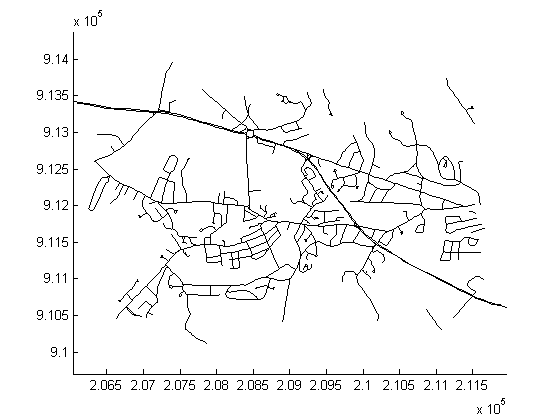
Display the roads shape and change the LineStyle.
figure
mapshow('concord_roads.shp','LineStyle',':');
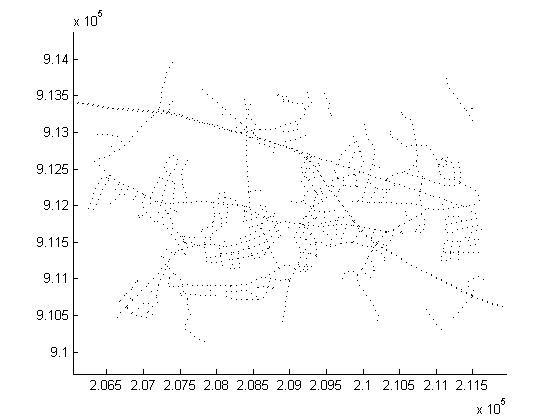
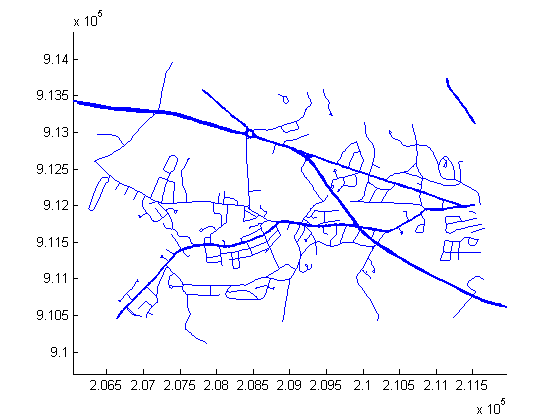
Display the roads shape, and render using a SymbolSpec.
To learn about the concord_roads.shp dataset, read its associated concord_roads.txt metadata file which describes the attributes.
type concord_roads.txt
  A shapefile data set for roads in part of Concord, Massachusetts,
  USA comprising the following files:

     concord_roads.dbf
     concord_roads.shp
     concord_roads.shx

  Source
  ------
  Office of Geographic and Environmental Information (MassGIS),
  Commonwealth of Massachusetts  Executive Office of Environmental Affairs
  (http://www.state.ma.us/mgis/)

  Coordinate system/projection
  ----------------------------
  All data distributed by MassGIS are registered to the NAD83 datum,
  Massachusetts State Plane Mainland Zone coordinate system. Units are in
  meters.

  Data set construction
  ---------------------
  This data set was constructed by concatenating Massachusetts Highway
  Department road shapefiles for the Maynard and Concord USGS Quadrangles,
  from compressed files mrd97.exe and mrd104.exe.

  Features were selected with bounding boxes intersecting the following
  box:
            [206500 (min easting)  910500 (min northing)
             211500 (max easting)  913500 (max northing)]

  The following attributes were retained:

      'STREETNAME', 'RT_NUMBER', 'CLASS', 'ADMIN_TYPE', 'LENGTH'

  Attributes 'CLASS' and 'ADMIN_TYPE' contain numerical codes defined by
  MassGIS as follows:

  Road classes (from file mrdac.dbf)
  ----------------------------------
  CLASS 1 Limited access highway
  CLASS 2 Multi-lane highway, not limited access
  CLASS 3 Other numbered route
  CLASS 4 Major road - collector
  CLASS 5 Minor street or road
  CLASS 6 Minor street or road
  CLASS 7 Highway ramp

  Road admin types (from file mrdac.dbf)
  --------------------------------------
  ADMIN_TYPE 0 Local road
  ADMIN_TYPE 1 Interstate
  ADMIN_TYPE 2 U.S. Federal
  ADMIN_TYPE 3 State

  Construction date
  -----------------
  November 17, 2003.
Query the attributes in this roads file.
roads = shaperead('concord_roads.shp')
roads =

609x1 struct array with fields:
    Geometry
    BoundingBox
    X
    Y
    STREETNAME
    RT_NUMBER
    CLASS
    ADMIN_TYPE
    LENGTH
Find out how many roads fall in each CLASS.
for i = 1:7
   N_CLASS(i) = sum([roads(:).CLASS]==i);
end
N_CLASS
N_CLASS =

     0    14    93    26   395    81     0
Find out how many roads fall in each ADMIN_TYPE.
for i = 0:3
   N_ADMIN_TYPE(i+1) = sum([roads(:).ADMIN_TYPE]==i);
end
N_ADMIN_TYPE
N_ADMIN_TYPE =

   502     0     0   107
Notice that there are no roads in this file that are CLASS 1 or 7, and the roads are either ADMIN_TYPE 0 or 3.
Create a SymbolSpec to:
roadspec = makesymbolspec('Line',...
                          {'ADMIN_TYPE',0,'Color','cyan'}, ...
                          {'ADMIN_TYPE',3,'Color','red'},...
                          {'CLASS',6,'Visible','off'},...
                          {'CLASS',[1 4],'LineWidth',2});
figure
mapshow('concord_roads.shp','SymbolSpec',roadspec);
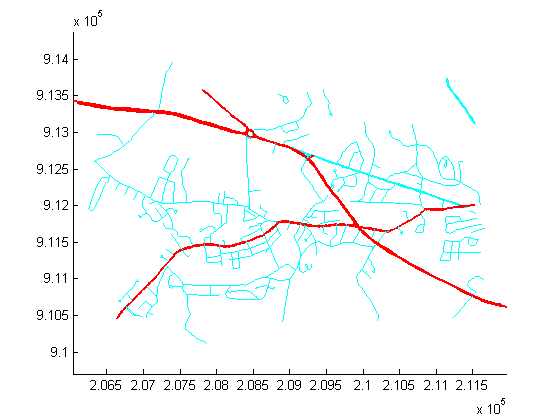
Override default properties of the SymbolSpec.
roadspec = makesymbolspec('Line',...
                          {'ADMIN_TYPE',0,'Color','c'}, ...
                          {'ADMIN_TYPE',3,'Color','r'},...
                          {'CLASS',6,'Visible','off'},...
                          {'CLASS',[1 4],'LineWidth',2});
figure
mapshow('concord_roads.shp','SymbolSpec',roadspec,'DefaultColor','b', ...
        'DefaultLineStyle','-.');
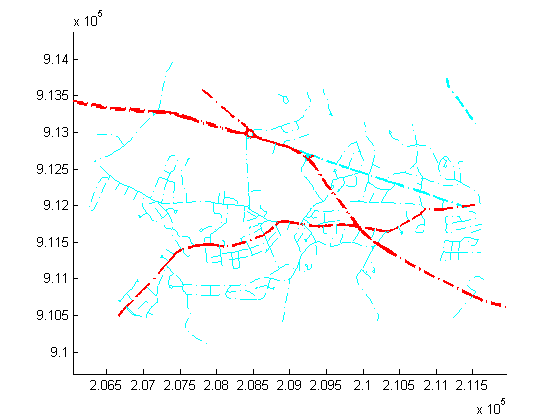
Override a graphics property of the SymbolSpec.
roadspec = makesymbolspec('Line',...
                          {'ADMIN_TYPE',0,'Color','c'}, ...
                          {'ADMIN_TYPE',3,'Color','r'},...
                          {'CLASS',6,'Visible','off'},...
                          {'CLASS',[1 4],'LineWidth',2});
figure
h = mapshow('concord_roads.shp','SymbolSpec',roadspec,'Color','b');
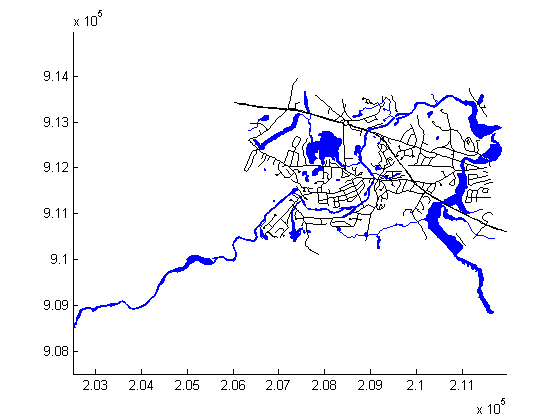
Display the waterways and roads shapes in one figure.
figure
mapshow('concord_roads.shp');
mapshow(gca,'concord_hydro_line.shp','Color','b');
mapshow(gca,'concord_hydro_area.shp','FaceColor','b','EdgeColor','b');
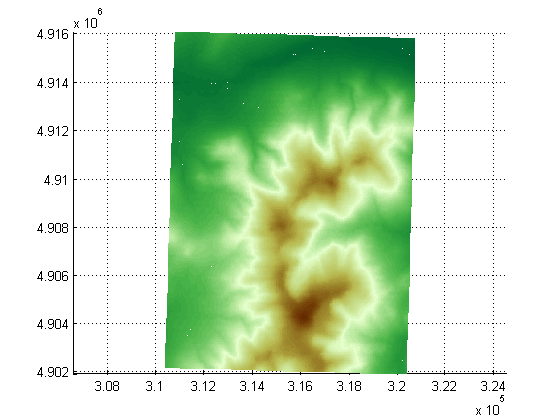
View the Mount Washington terrain data as a mesh.
figure
h = mapshow('9129CATD.ddf','DisplayType','mesh');
Z = get(h,'ZData');
colormap(demcmap(Z))
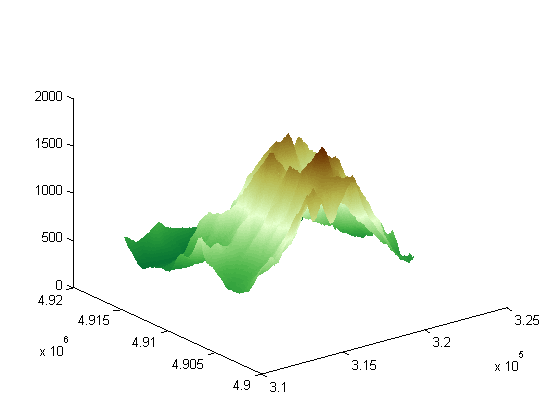
View the Mount Washington terrain data as a surface.
figure
mapshow('9129CATD.ddf');
colormap(demcmap(Z))
view(3); % View  as a 3-d surface
axis normal;
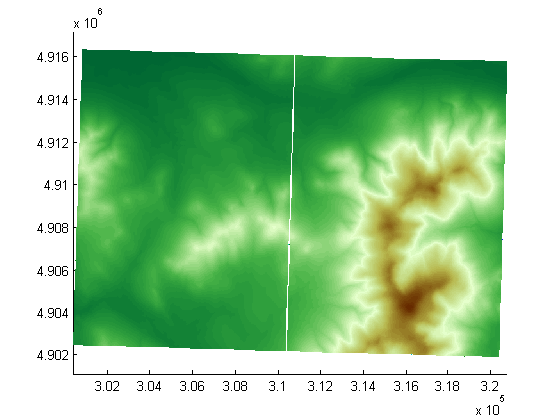
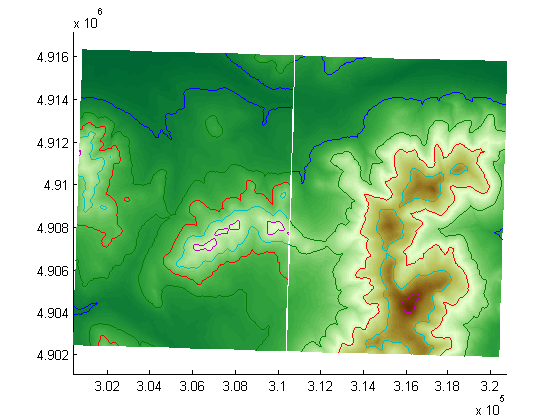
Display the grid and contour lines of Mount Washington and Mount Dartmouth.
figure
[Z_W, R_W] = arcgridread('MtWashington-ft.grd');
[Z_D, R_D] = arcgridread('MountDartmouth-ft.grd');
mapshow(Z_W, R_W,'DisplayType','surface');
hold on
mapshow(gca,Z_W, R_W,'DisplayType','contour');
mapshow(gca,Z_D, R_D, 'DisplayType','surface');
mapshow(gca,Z_D, R_D,'DisplayType','contour');
colormap(demcmap(Z_W))
Set the contour lines to the max surface value.
zdatam(handlem('line'),max([Z_D(:)' Z_W(:)']));
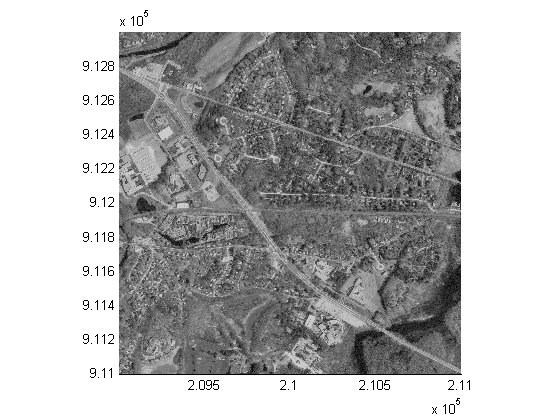
Display an image with a worldfile.
figure
mapshow('concord_ortho_e.tif');
concord_roads.shp, concord_hydro_line.shp, concord_hydro_area.shp, concord_ortho_e.tif:
  Office of Geographic and Environmental Information (MassGIS),
  Commonwealth of Massachusetts  Executive Office of Environmental Affairs
  http://www.state.ma.us/mgis
9129CATD.ddf (and supporting files):
  United States Geological Survey (USGS) 7.5-minute Digital Elevation
  Model (DEM) in Spatial Data Transfer Standard (SDTS) format for the
  Mt. Washington quadrangle, with elevation in meters.
  http://edc.usgs.gov/products/elevation/dem.html
For more information, run:
>> type 9129.txt
MtWashington-ft.grd, MountDartmouth-ft.grd:
  MtWashington-ft.grd is the same DEM as 9129CATD.ddf, but converted to
  Arc ASCII Grid format with elevation in feet.
  MountDartmouth-ft.grd is an adjacent DEM, also converted to Arc ASCII
  Grid with elevation in feet.
For more information, run:
  >> type MtWashington-ft.txt
  >> type MountDartmouth-ft.txt